

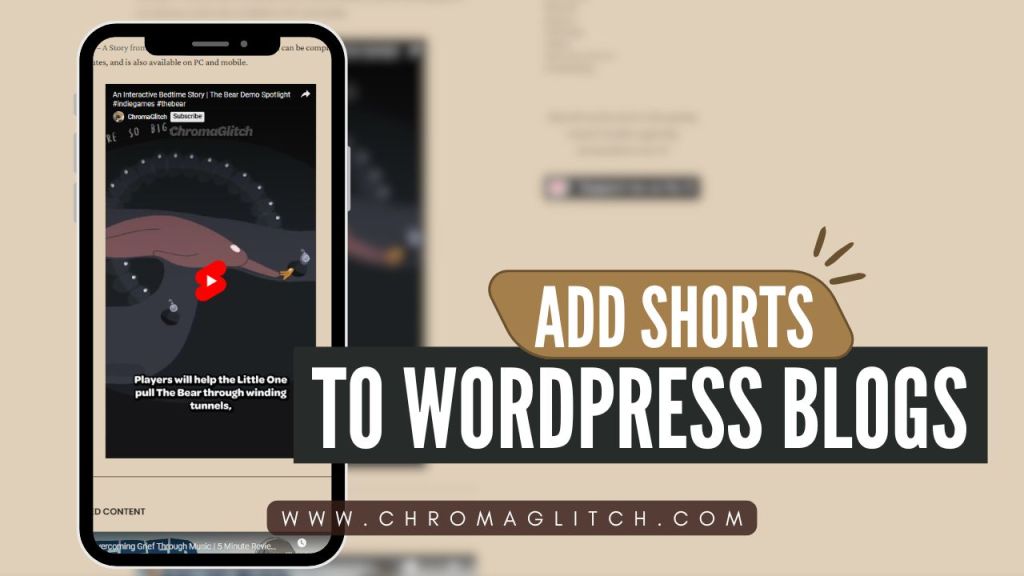
WATCH: How to Add Shorts to Your WordPress Blog Posts
Step 1: Start a blog post in the Jetpack app or on WordPress. This method currently will only work on a desktop version of WordPress. Then add a “Custom HTML” block to the post.


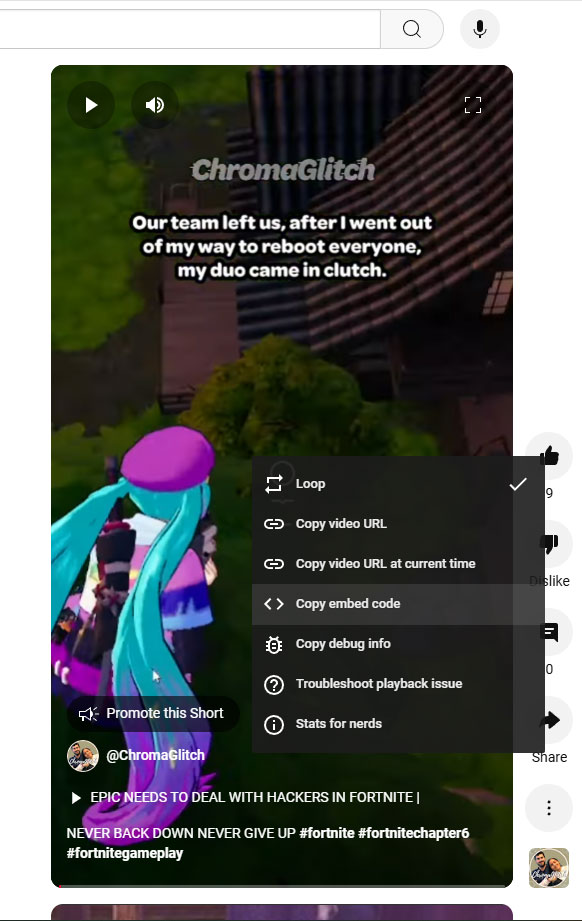
Step 2: Go to the YouTube Short that you want to use and right click on it, and select “Copy embed code.”
Step 3: Paste this code into the HTML block on the blog post, then Select “Preview” and the Short should appear in the blog post.

Previewing the post will show how the video will appear when published. Once you publish the blog post the video will appear and can be viewed on the same page.








 ChromaGlitch
Leave a comment