


Block Out A Balcony Space

Place walls outlining where you want the balcony to be in the apartment. Then, add a door or arch on the side that will serve as the entrance to the patio. You may decide to change the shape later once you start adding decor, and that’s fine.
Try to match the wall texture you use to the outside of the apartment building, the flooring can be any floor pattern.
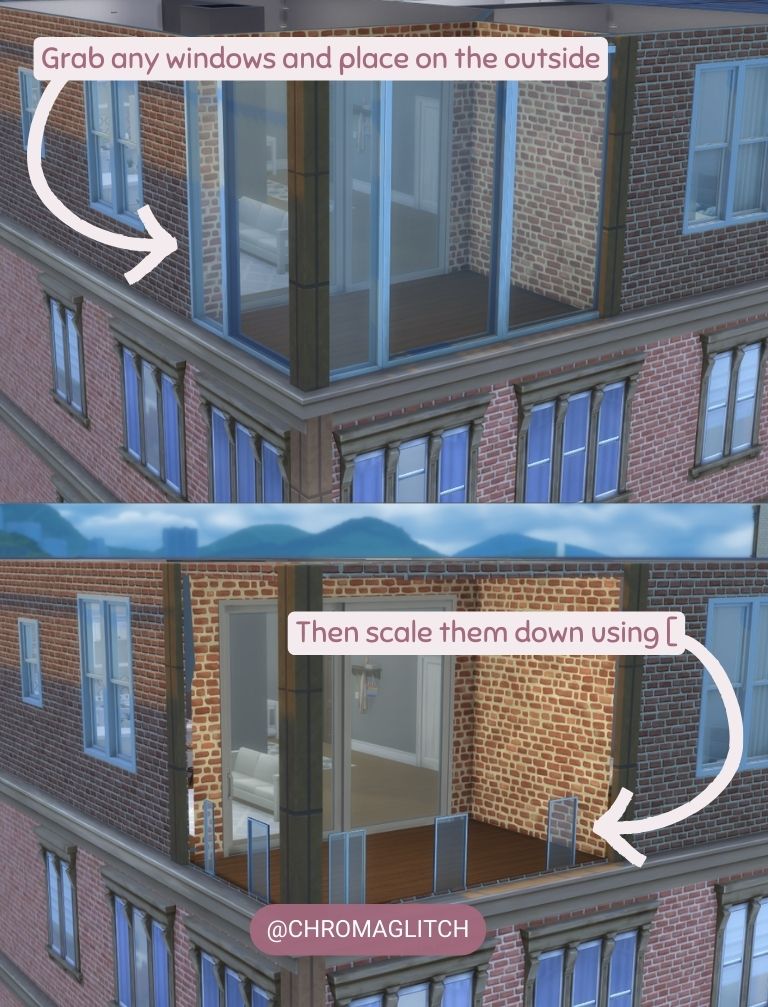
Grab any windows that match the height of the walls and place them where you want the balcony to be open to the outside. Then use the Brackets [ ] to scale the window down as far as it will go. This will leave an “opening” in the wall.

Use Debug walls to create a “fence” to cover up the shrunken windows. When using shorter walls, the windows may still be visible over the object. Using the T.O.O.L. mod to shrink the windows further (0.05 scale) will make them disappear. Add columns around the sides to cover seams and to make the balcony look more uniform.
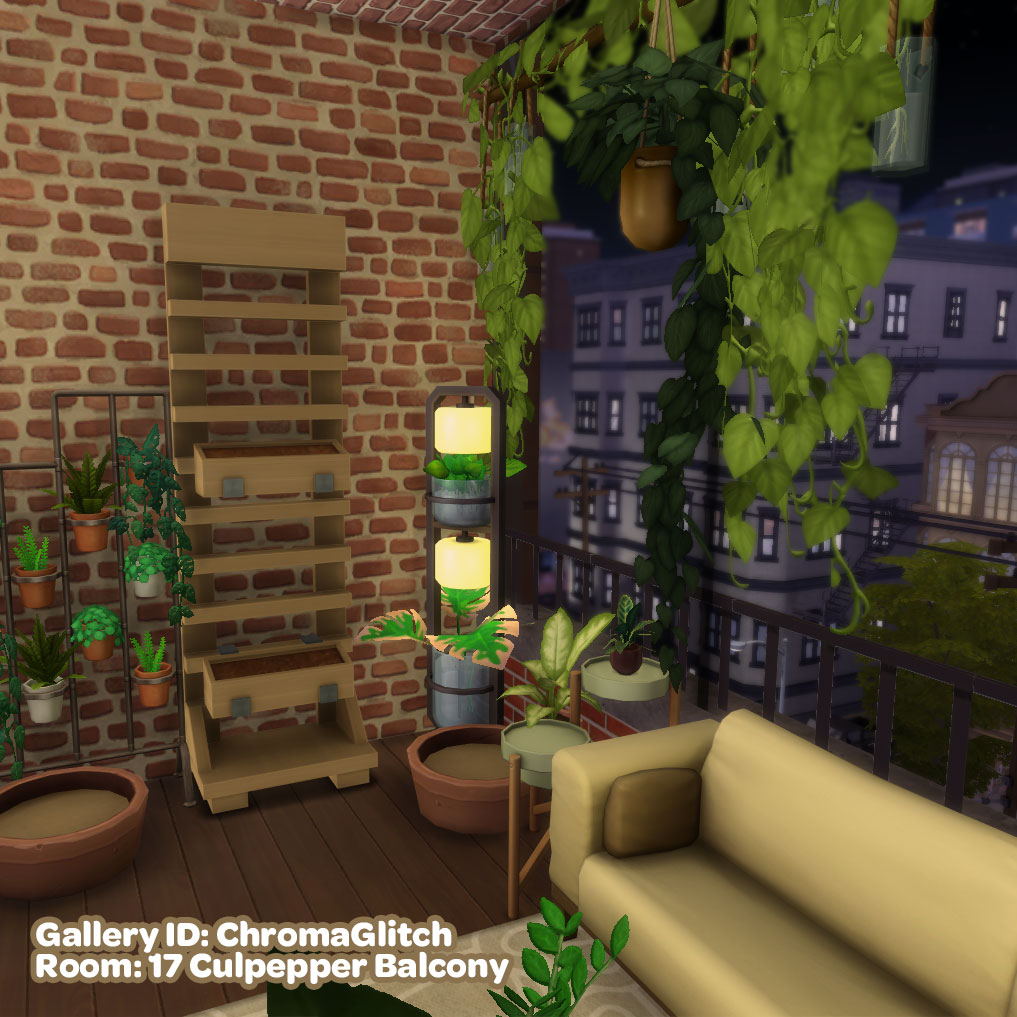
The final step is to decorate the space using any furniture you have available.







 ChromaGlitch
Leave a comment