

- Developer: Kenney
- Release Date: August 7th, 2025
- Price: TBA
- Platforms: PC & Linux (Steam)
Jumping into MakeRoom
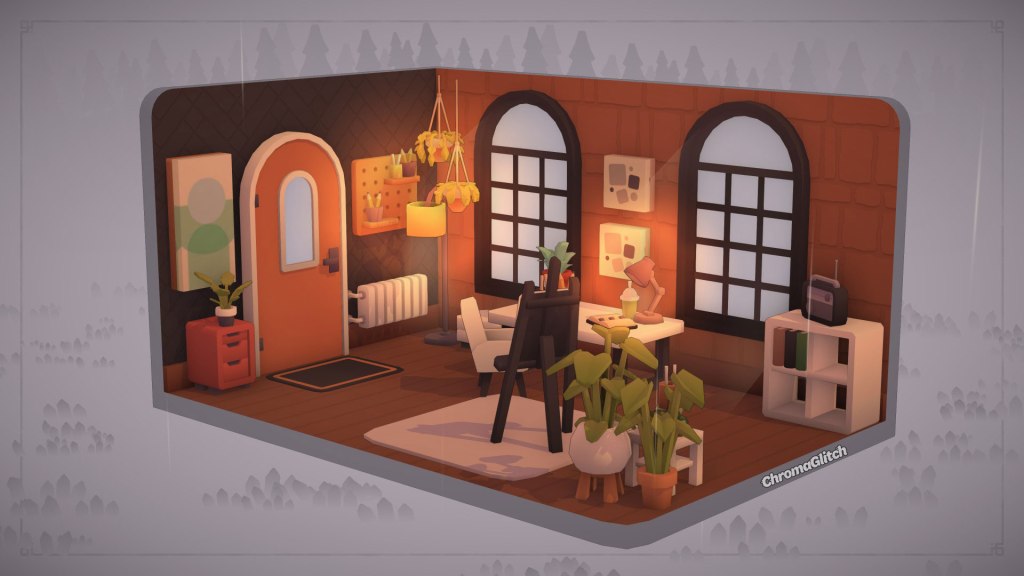
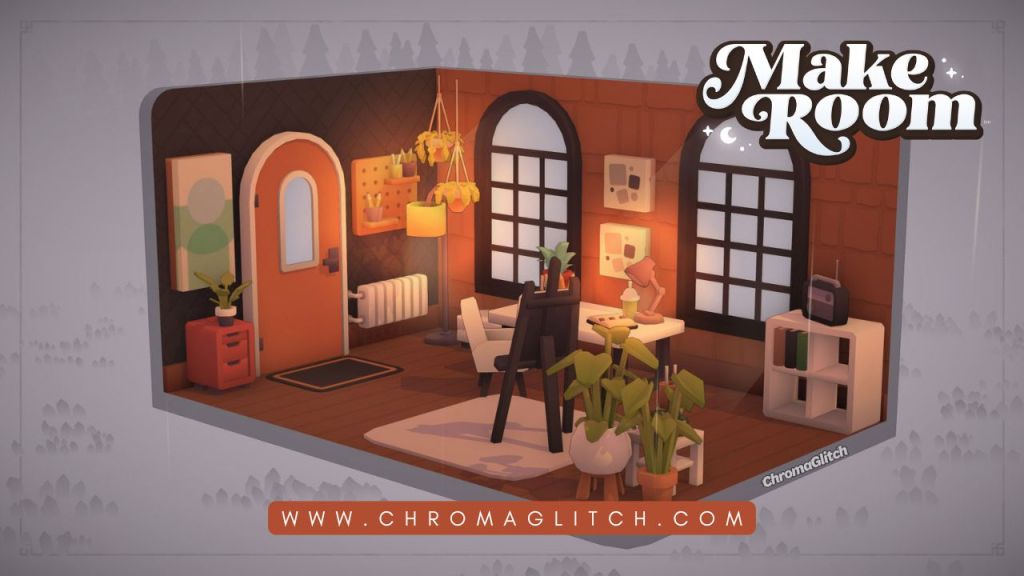
MakeRoom is a cozy sandbox interior design game where players will use more than one thousand objects to show off their unique style. Jumping into MakeRoom, players have the option to complete a brief tutorial that guides them through some of the basic game controls.
Players can complete the tutorial in as little as five to ten minutes to explore some of the options available. Once comfortable, players can switch over to the game map, which will reveal various houses and camper vans that can be redocrated. There are currently 12 lots players can work on; however, each lot can be redone again and again. Players can also create their own rooms, campers, and gardens.
Complete Design Requests on MakeRoom Island
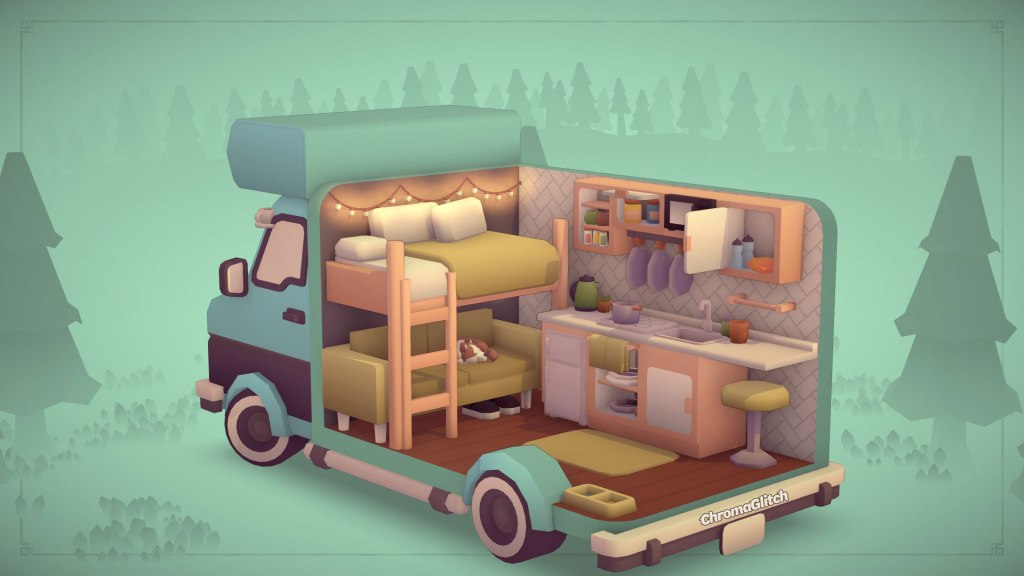
On the main island in MakeRoom, each decorating location will have a set of design requests that players can complete to unlock new tools and furniture catalog additions. These requests can range from clearing debris, such as cobwebs and old boxes, to adding specific types of items to a room.
While these design requests help players unlock more items, once the requests are complete, those items can be removed from the final room design without losing any rewards. This means players can still freely decorate each room however they please.
MakeRoom is very forgiving; there are no timers or financial goals, so players can pick any of the locations on the map to work on without getting stuck behind a progression wall. This also makes MakeRoom a very multitasker and parent-friendly game.
Create Custom Furniture
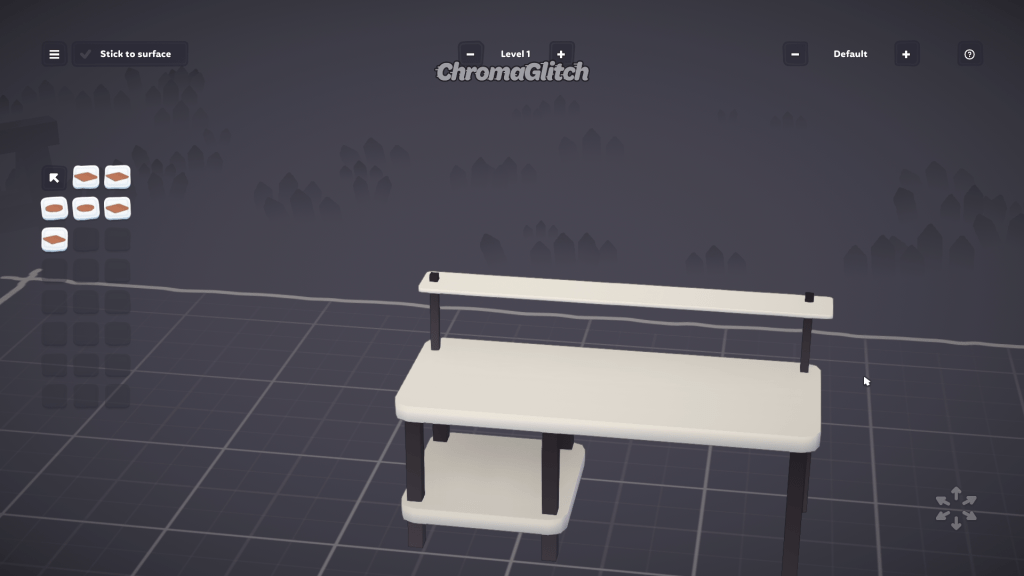
In addition to a large library of furniture options, MakeRoom players can also create their own custom objects to use in their rooms. This can be done by selecting the “Objects” option on the Main Menu. This will open a workspace where players can combine various objects to create custom furniture pieces.
While having some experience with 3D modeling or drafting tools can be helpful, players with zero experience may find the customization tools easy to navigate, especially for simpler designs. To use these custom creations in builds, players will need to save their objects and then, in a room, select the “Studio” option in the catalog. This will show all custom creations a player has saved.
In rooms, these items can then be scaled, rotated, and have new color swatches applied to them. One thing that is hopefully added later is a way to tag and sort these custom objects in the catalog.
Share Creations with the MakeRoom Community
MakeRoom players can take pictures of their creations and share them with the community using the game’s photomode. Photomode can be accessed by clicking on the camera icon at the top of the game screen.
In photomode, players have several options to make their creations stand out even more, such as filters, the ability to add and remove outlines, and a way to adjust the perspective of the room. These photos can then be shared on Steam or downloaded and posted on social media. In addition to taking and sharing photos, players can share their MakeRoom creations on the Steam Workshop.
Final Thoughts on MakeRoom
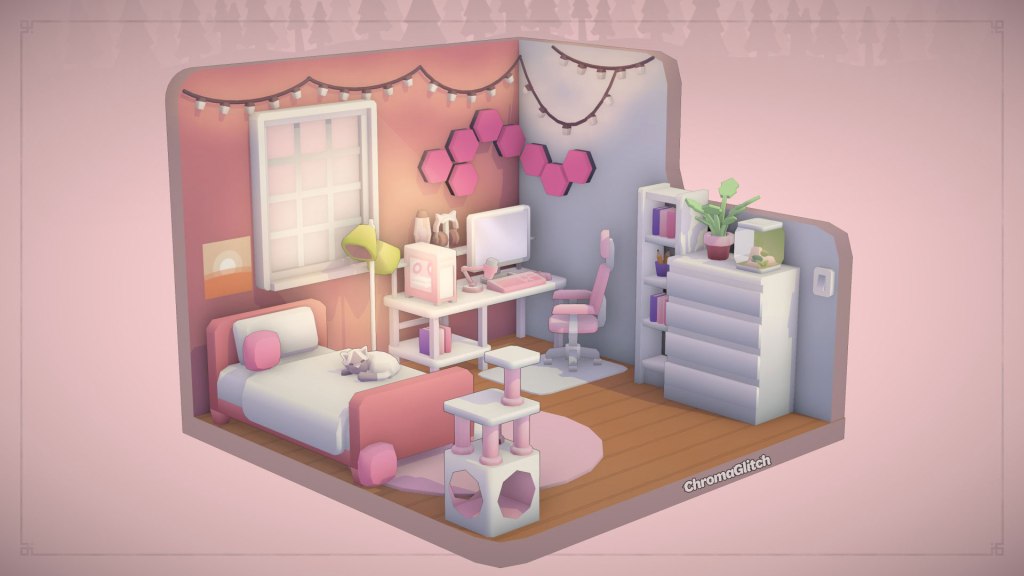
Overall, MakeRoom is a cozy design experience. The art style is cute, and the music sets a relaxing tone. The game is very easy to jump into, and players have a lot of freedom to express themselves in each room they make.
The custom furniture creation tools are fun to experiment with, and having the ability to add custom pieces to builds gives players even more creative freedom. Players who are more hesitant to try making custom furniture can still manipulate items in their dioramas to clip into each other and stack on top of each other to create custom pieces. In a very saturated genre of games, MakeRoom does a great job of adding enough to stand out from the rest. MakeRoom is will be available on Steam on August 7th.



 ChromaGlitch
Leave a comment